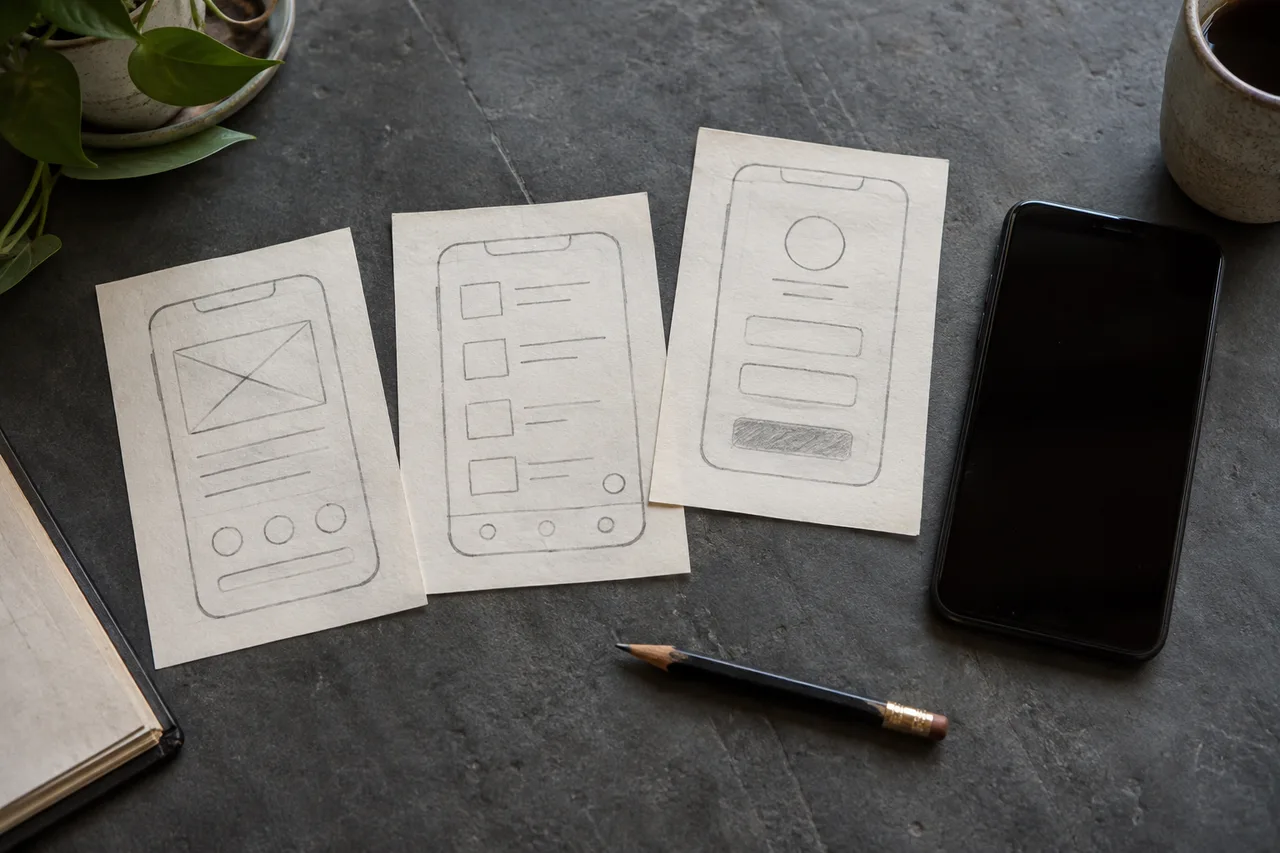
A CRM should help your team know who a customer is, what was promised, and who needs to act next. Buying software before agreeing on those questions can produce a more expensive version of the same confusion. Start with the workflow, whether you sell in Muscat, across the Gulf, or internationally.
Look for a coordination problem
A spreadsheet may work well for a small number of enquiries handled by one person. The situation changes when several people update the same customer, follow-ups rely on memory, or a manager cannot distinguish a new lead from an active opportunity. These are reasons to investigate a CRM, not automatic reasons to build one.
Review a recent enquiry from arrival to completion. Note every handover and any information requested twice. If nobody owns the next action, define ownership before moving the data into a new tool. Software cannot make that decision for the team.
Define a minimum useful record
Start with a customer name, relevant contact method, enquiry source, status, owner, and next action with a date. Add fields only when someone uses them to make a decision. Long forms encourage incomplete records and make mobile work difficult.
For teams across markets, agree on time zones, phone-number formats, and the language of notes. Decide who can view, edit, export, or delete records. Test a new system with sample data rather than circulating actual customer lists just to demonstrate an interface.
- New: the enquiry needs an owner.
- Qualified: the team understands the need.
- Proposal: an offer has been sent and a follow-up is due.
- Closed: record the outcome and, where useful, the reason.
Compare existing software with a custom tool
Use an existing product when its core workflow fits and your team can adopt it without maintaining a separate application. Compare user seats, integrations, migration, training, and export options. Test a representative task before committing to a subscription.
Custom development becomes more reasonable when an important repeated workflow is awkward in available products. Write that requirement precisely. “We need a dashboard” is vague; “each salesperson must see overdue follow-ups and record an outcome from a phone” is testable.
Migrate carefully, then automate
Clean duplicates, map old statuses, and import a small sample before the full migration. Check ownership, dates, and contact details. Keep an agreed backup and rollback plan. Training should follow an ordinary working day rather than cover every button.
Once the team consistently records next actions, consider reminders and routing rules. Automating an unclear process can make incorrect assignments happen faster. Track overdue tasks, unassigned enquiries, and the time to first response.
Common questions
Will a CRM automatically increase sales?
No. It supports visibility and follow-up, but results also depend on demand, your offer, response quality, and consistent use.
Can we keep a spreadsheet during migration?
Yes, with one clearly defined source of truth and a transition period. Uncontrolled editing in both systems produces conflicting records.